
Download the RubiconMD Camera App to add relevant files to your eConsults.
For iOS Devices:
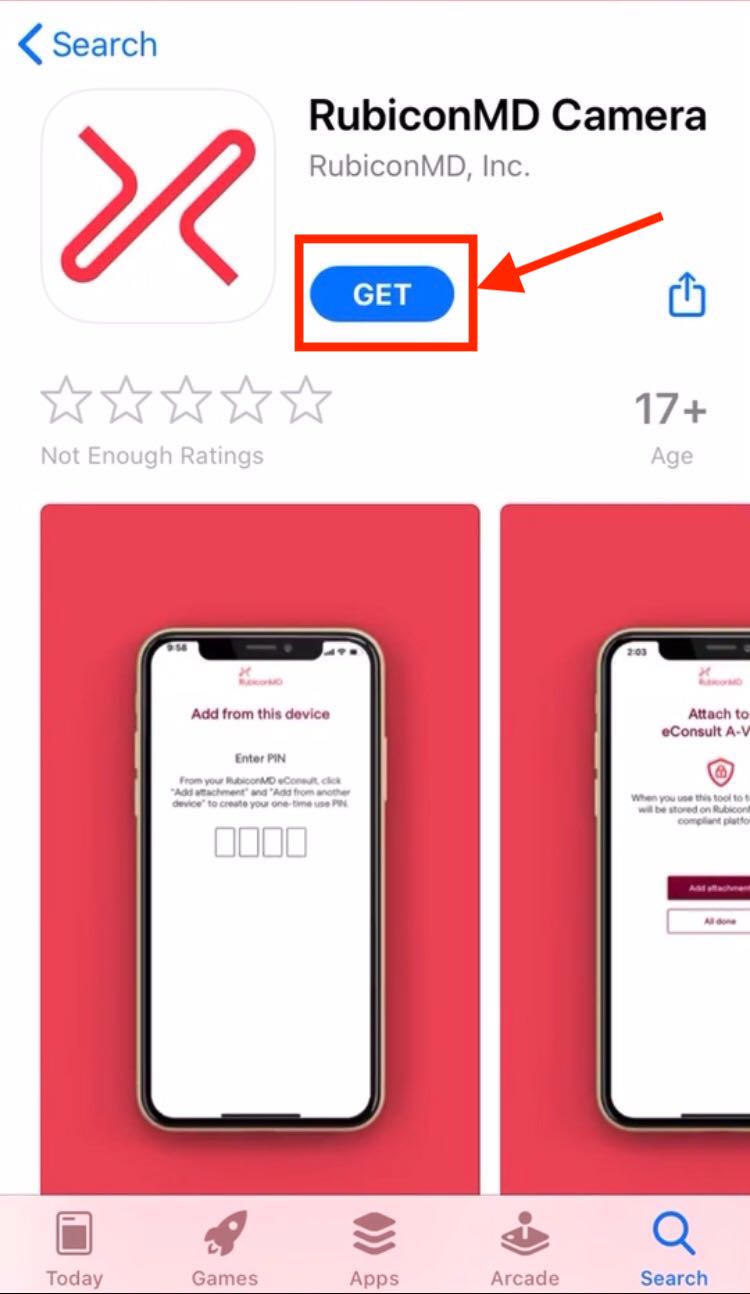
- Download the app from the App Store or search for "RubiconMD Camera"

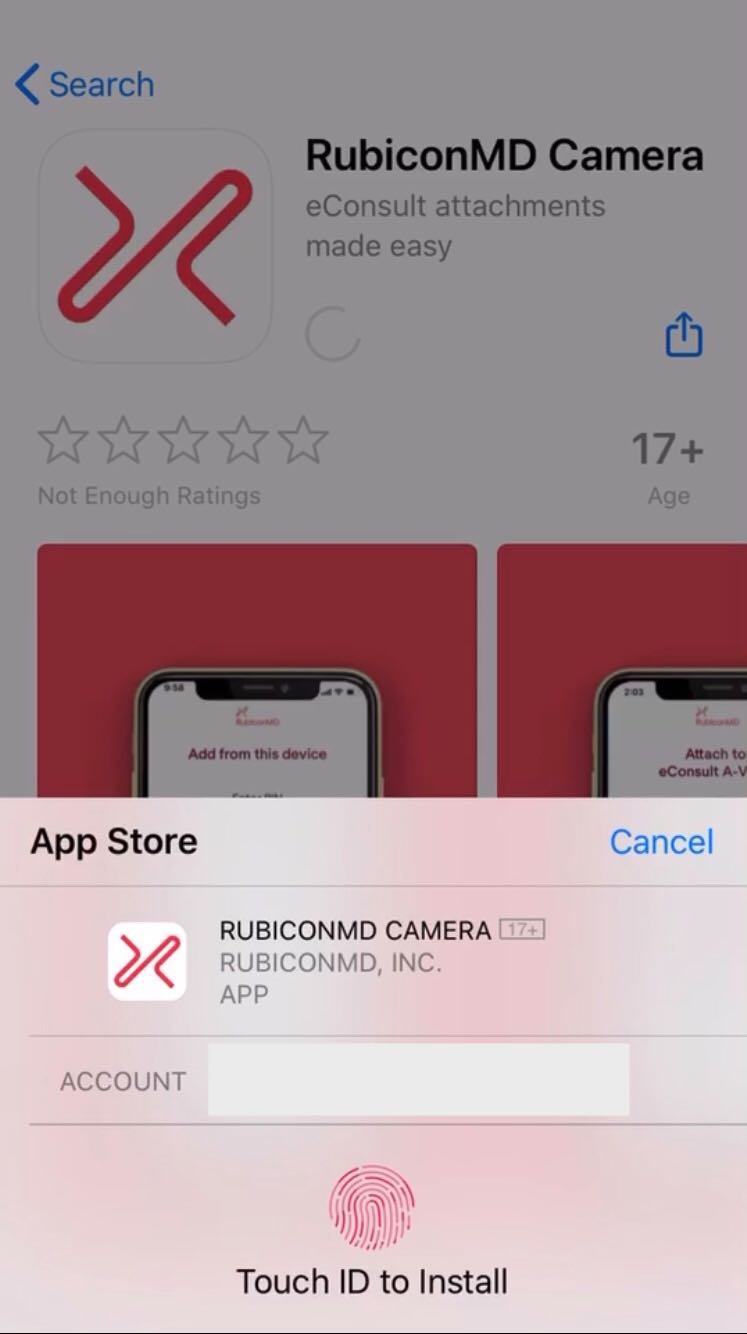
- Click "Get" and verify your app download
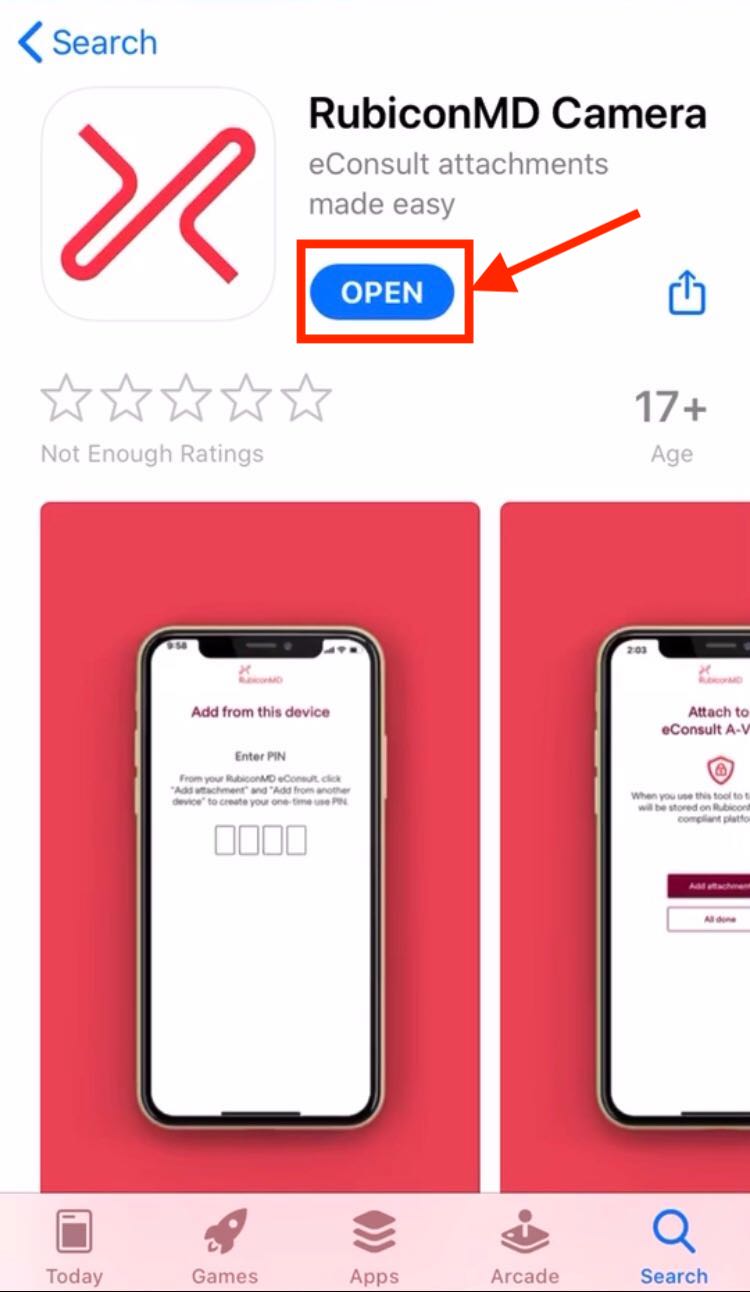
- Click "Open" to launch the app
For Android devices:
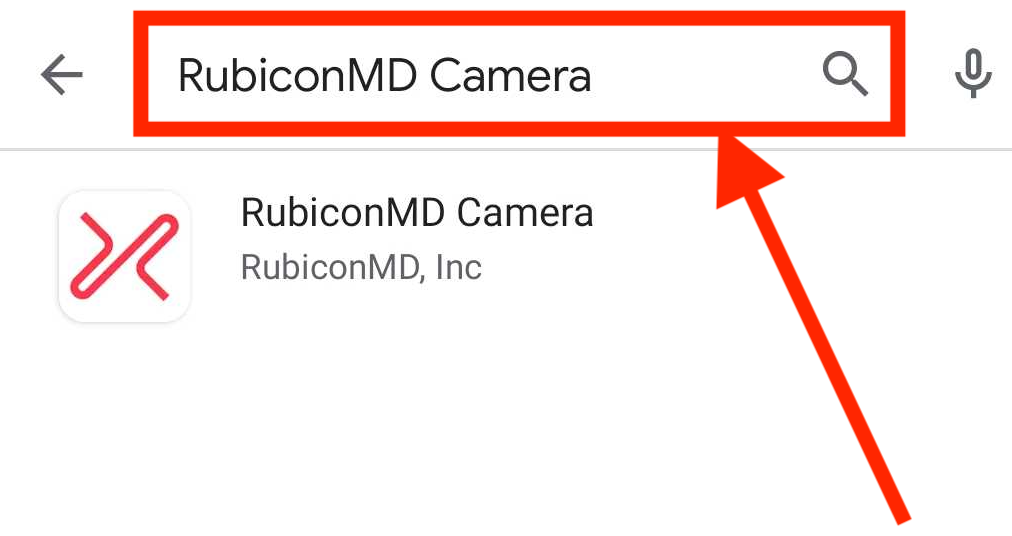
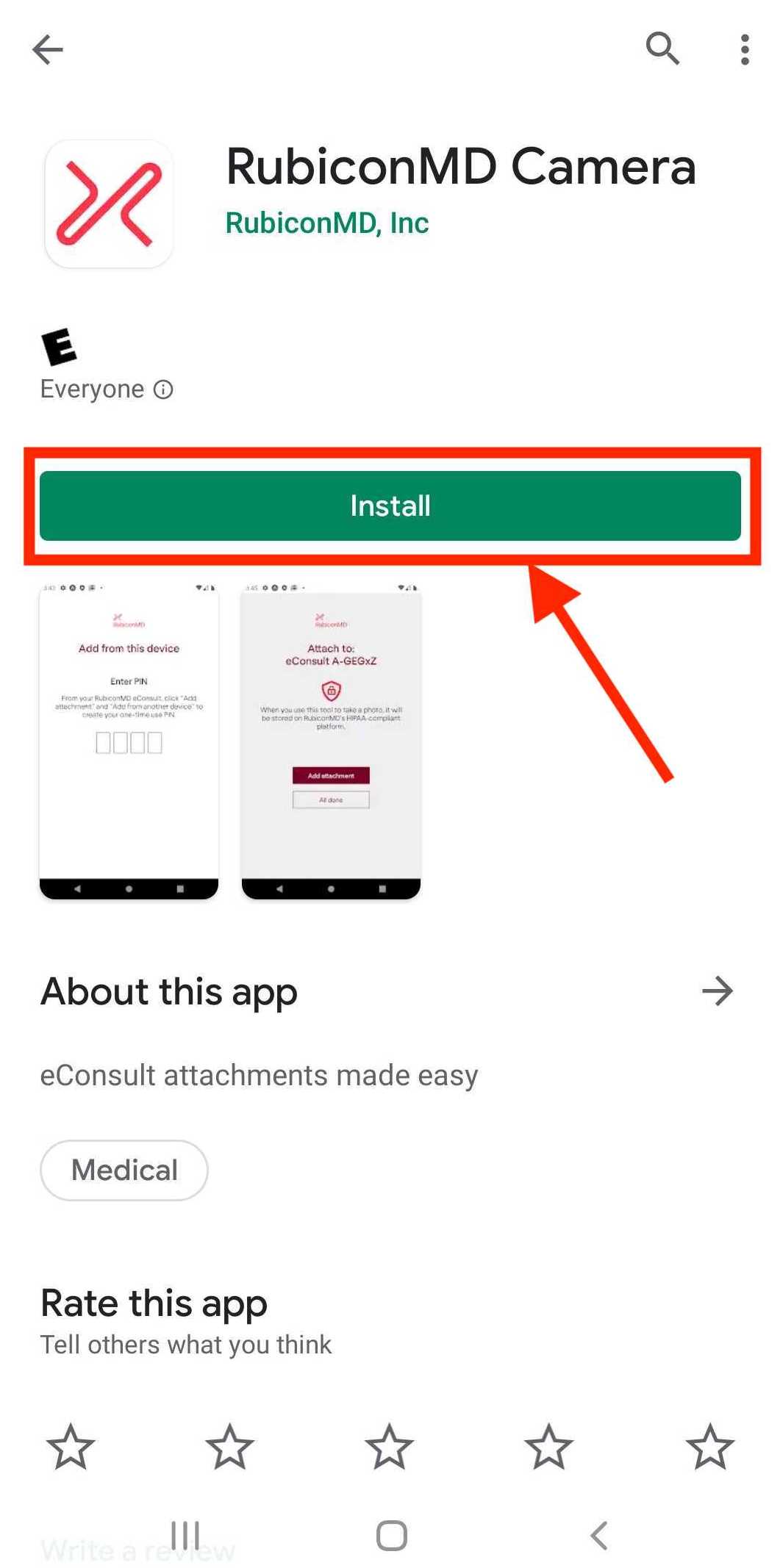
- Download the app from Google Play or search for "RubiconMD Camera"
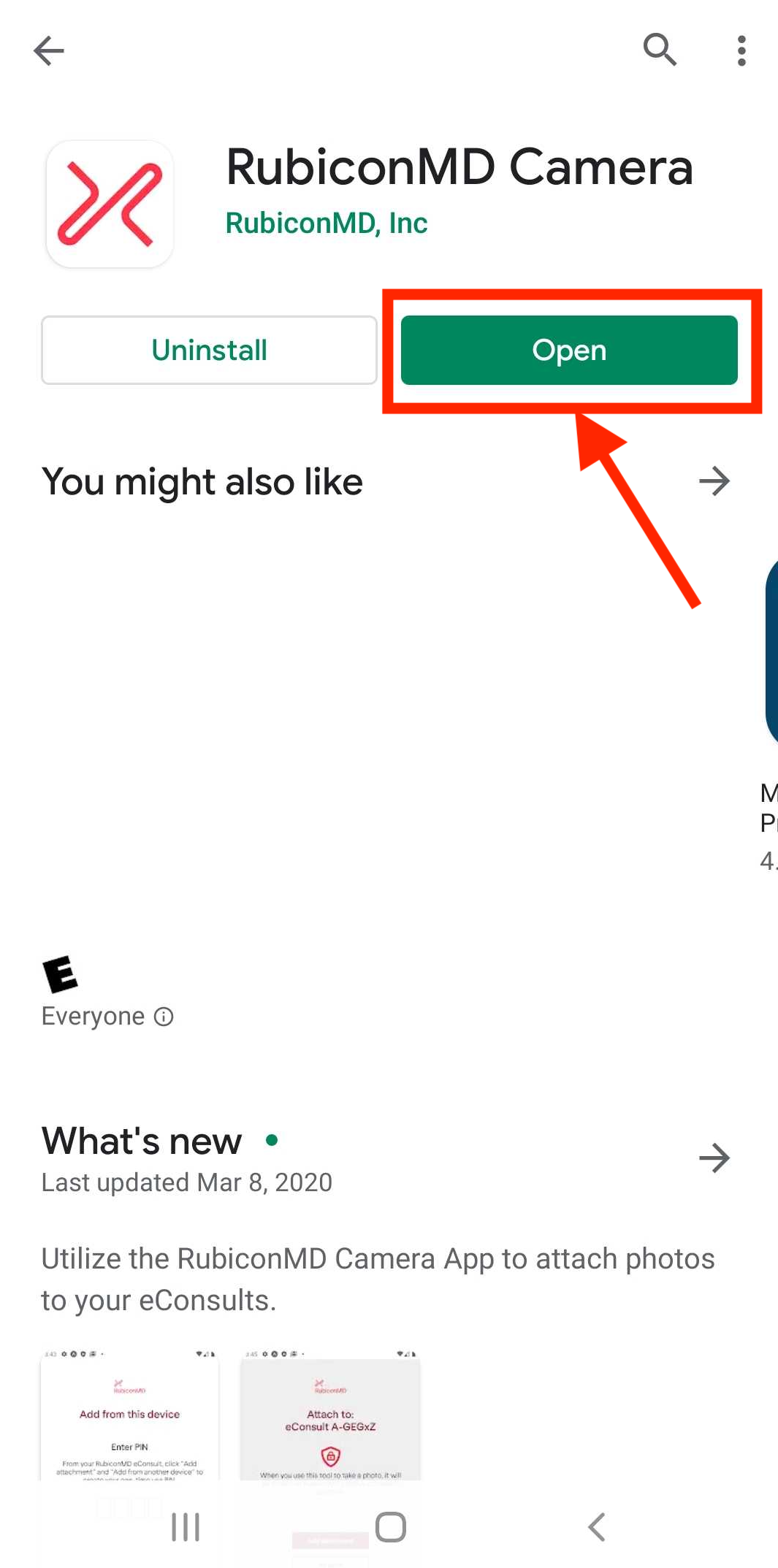
- Click "Install" and once installed, click "Open" to launch the app
Comments
0 comments
Please sign in to leave a comment.